MEDIA PRODUCTS

STYLESCAPE

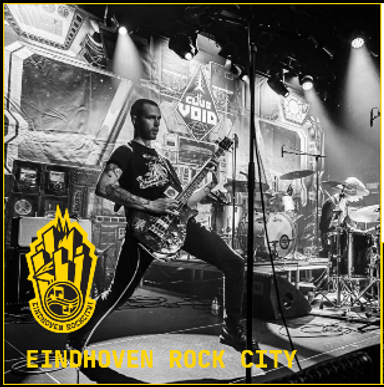
style scape for Eindhoven Rockcity

What have I done?

To get started with the branding of Eindhoven Rockcity we made stylescapes. I first tried doing this in InDesign however this was taking too much time for me to complete before the deadline discussed with the group and I couldn't get the results I wanted so I did end up switching to Figma so that I was able to finish a good stylescape. I then got feedback on the stylescape I made and based on that I added an accent color and some more explenation of what kind of feelings I wanted to convey with the different parts of the stylescape and what they were going to be used for. The accent color I went for here was a light purple with greyish undertone since this contrasted well with the yellow and also looked good and readible in combination with both a black and a white background.

What have I learned?

  • Information which is important to include in the stylescape such as fonts, colors, type of images, tone of voice and what you want your audience to feel with your brand.
Read more

MY NAME LOGO

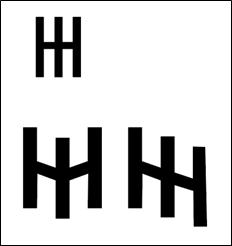
logo with initials of my name

What have I done?

To get used to working with illustrator I practiced making a logo for myself, I immediately knew I wanted to do something with my initials and quickly found out that it looked quite nice to put a capital I inside of a capital H. to make it more interesting I played around with how I could shape the letters or have different height placings of the letters. One idea I came up with was placing the I lower than the H and having the horizontal line of the H wave down together with the I. My second idea I worked out was having all the letters slightly placed lower each time with the horizontal line of the H being on an angle to follow all the vertical lines. This has been then exported as a svg file. The left upper one is the basic form of which I based the other two logo’s. Next time I would like to learn more about other things I can do in illustrator besides using anchorpoints and paths since I have not done much with the rest of the program for these specific logo’s.

What have I learned?

  • How to turn text into an object so it letters can be moved and reshaped individually.
  • How to move anchorpoints and add new ones in the existing paths and how this impacts the objects.
Read more

LOGO PRACTISE

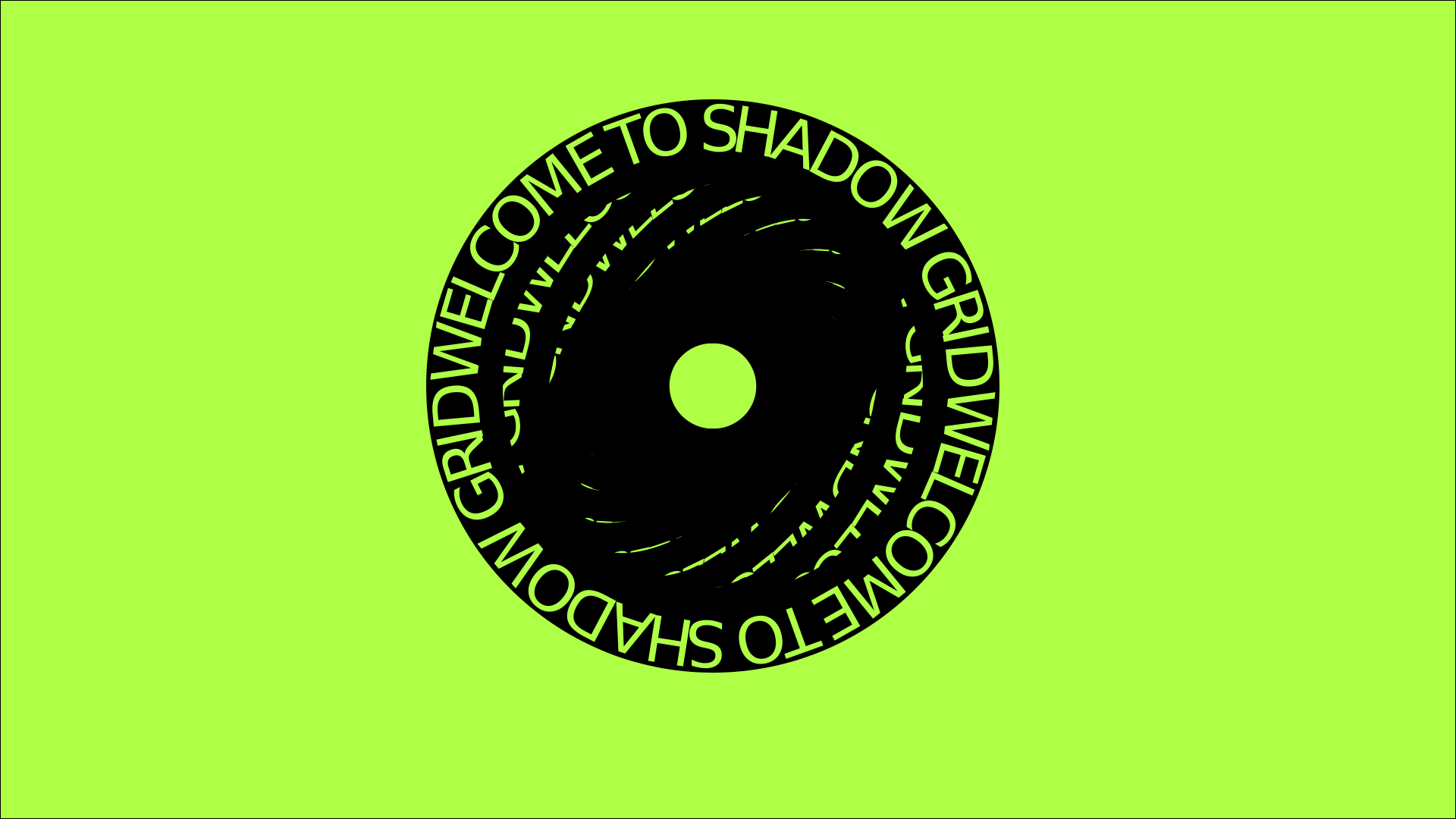
practise logo tutorial

What have I done?

To get to know how illustrator works better I followed a tutorial found on YouTube to make this, during this I got to work with different transform effects, circle tool and eye droplet for color selecting. I also now know how I can make a text wrap around for example the circle by using the path of the circle. My logo did not turn out exactly the same as the one in the tutorial since I am not yet as good at eyeballing the width and height elements should be and the exact measurments were not mentioned in the video. However I think I did quite a good job considering this is only the second time I worked with illustrator.

What have I learned?

  • How I can transform object in illustrator.
  • How I can wrap text around for example a circle instead of having it stand straight.
  • How I can work with different colors.
Read more

LOGO LIGHTTOWN SPEAKERS

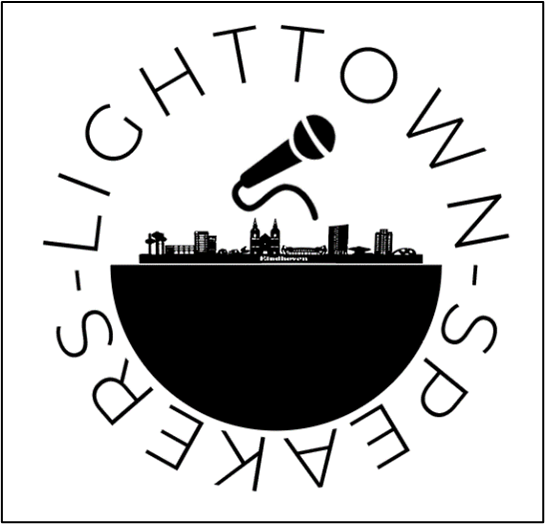
lighttown speakers logo

What have I done?

Lighttown Speakers wanted to be more known and get more opportunities on exchanging their services with companies and communities in Eindhoven, however they are not very easily findable or recognizable. When searching for Lighttown Speakers the first things to pop up are Toastmasters sites, and Lighttown is a part of this however it is confusing for people who do not know. That’s why a logo of their own (and also later on a website of their own) would do them good in terms of creating more knowledge about them. For their logo I wanted to incorporate their name, a microphone symbolizing the speaking and a skyline of Eindhoven since that is where they are located. We did find out later that they are actually not allowed to create or use an own logo besides the toastmasters logo, however it was still a good practice for me with illustrator.

What have I learned?

  • First time creating on my own using more than text in Illustrator.
Read more

PAMPHLET LIGHTTOWN SPEAKERS

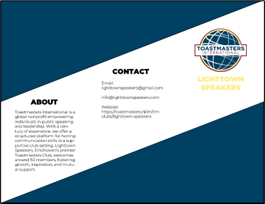
lighttown speakers pamphlet

What have I done?

For the project marketing I made a pamphlet for Lighttown Speakers which they could then hand out during for example networking events and markets. this pamphlet would give potential partners a little bit more information about who Lighttown Speakers is and what they can offer. I went with quite a simple design since this was the first time I worked with InDesign and had quite a hard time with this. I did start by making a sketch on paper first and then make it in InDesign, during this I used the brand guide of toastmasters which was provided to us by Lighttown Speakers. Furthermor the pamphlet is designed to be folded into three to make it easier for people to carry around, the white spaced in between text are margins for the folds.

What have I learned?

  • How to use the ruler in Adobe InDesign
  • Making different shapes in InDesign
  • How to work with a layout where the lines are not completely horizontal or vertical
Read more

BLENDER WORKSHOPS

lighttown speakers pamphlet

What have I done?

In media productions class we started working with Blender to create 3D models. During the class we received the basic information about the program such as the most used shortcuts and how objects can be manipulated using the different tools of the program. At the end of the class we build a basic house using the information that we had learned so far.

Then later I made a human form based on an image I found in a tutorial. During this I got more practise with all the shortcut keys and how to reform objects. I also noticed I kept getting quicker the longer I was working on this model.

After I made the model on my own we had another Blender workshop in which we started with animating in Blender. Here I got to know about keyframes and how these work to make animations in Blender. For example that blender will always animate the shortest way between keyframes, let's say you move an object from left to right then it will go straight from left to right. Even if you move it up and down with your mouse on the way from left to right, unless you make keyframes in which the object is then high and low, it will still animate it straight from left to right. We also got an explenation on working with armatures, for when you want to animate an object with limbs for example so that we could make the limbs all move on it's own and more naturally.

What have I learned?

  • Important Blender shortcuts to for example move, rotate, resize and manipulate objects
  • Always delete the cube in a new project and put a new one in since the preloaded one comes with a lot of data already.
  • Almost all project you make start with a cube
  • Animating objects in Blender either as a whole object or by using armatures.
  • Adding textures or meshes.
Read more